Saving and Loading
Saving a Topology
Let's say you have a beautiful topology you want to save in MiniEditNG.

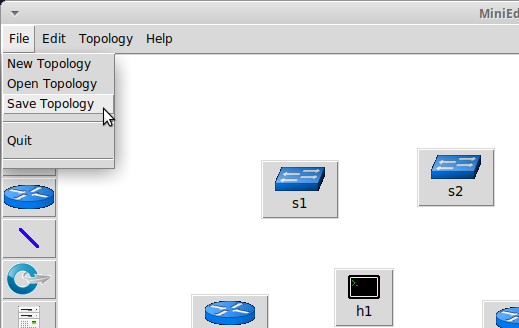
Select File > Save Topology.
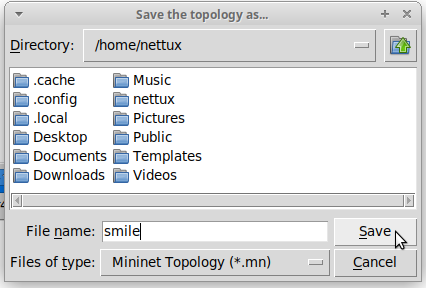
In the dialog, navigate to where you want to save (probably the home directory /home/<USER>) and where you have permissions. Then press "Save".
Loading a Topology
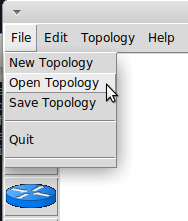
To load a topology in MinieditNG, go to File > Open Topology
In the dialog, navigate to the directory containing the .mn file with the topology you want.

Then press "Open" to open the topology.